
Add your finished mix to video. Export the batch on your Mac.
For mixers, sound designers and composers delivering to picture: pair your audio with the right video versions, set loudness and export without opening a timeline.
20 free exports · Every feature · No account.
Apple silicon · macOS 26.1+
Buy Sponable — €59One-time purchase · 2 Macs · Updates included

One mix or several versions. The same workflow.
Drop in your audio and video files.
Start with the finished mixes and picture versions you want to deliver. Magic Match uses duration, names, version hints and folder context to suggest pairings.
Review each pairing.
If a match is uncertain, Sponable shows you why and leaves the decision to you. Confirm the suggestion or assign files by hand.
Choose your output settings.
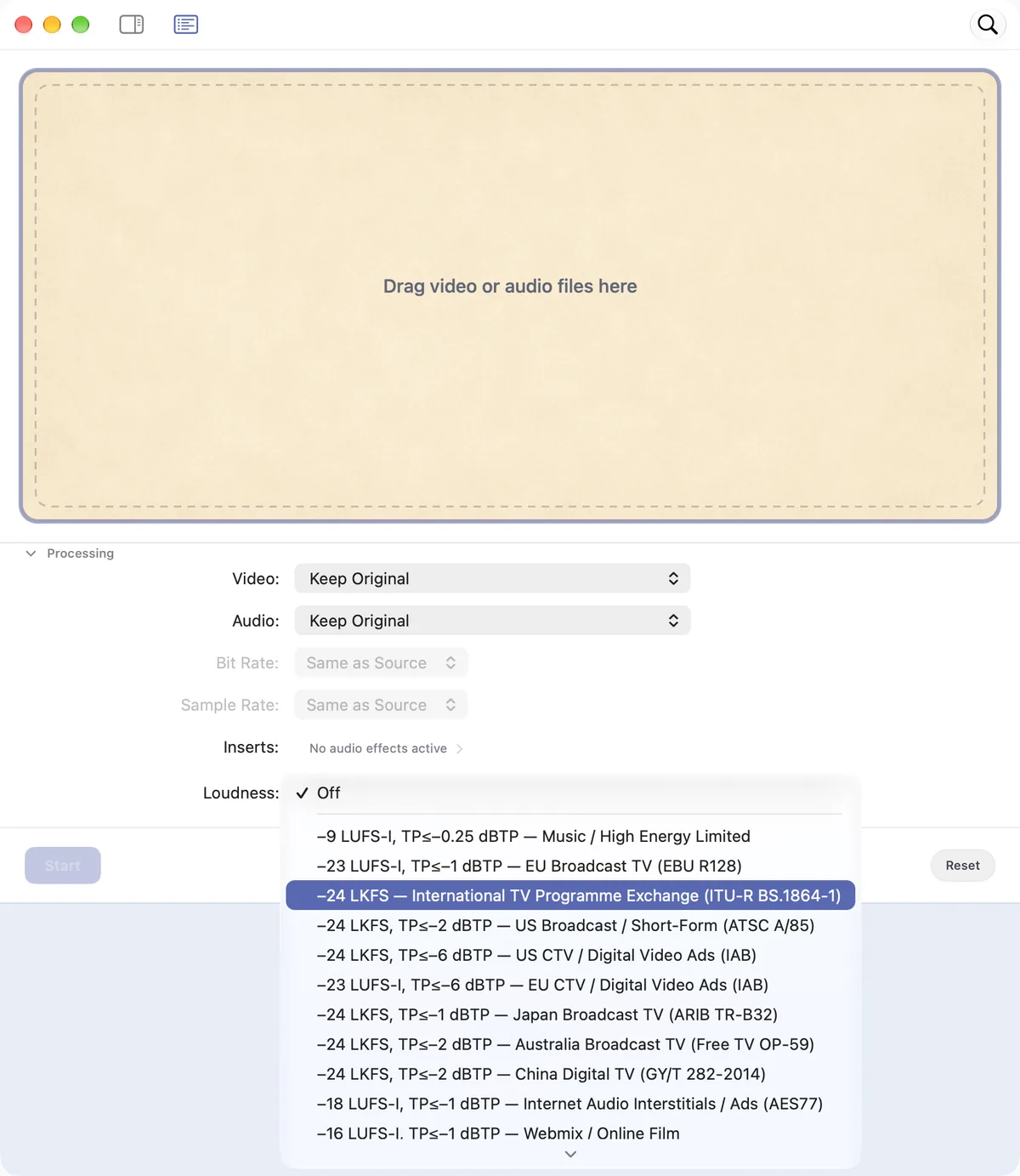
Choose a broadcast, web, social or audio-ad loudness preset, or set a custom target. Sponable measures and adjusts the batch using the preset’s loudness and peak targets.
Export and check the result.
Export the batch, then review the files before delivery. For a straight soundtrack replacement, Sponable carries the picture through without re-encoding where the format and workflow allow.
Match the delivery’s loudness target.
Keep the mix’s dynamics with constant gain, or choose a limited output. If the peak ceiling prevents a target being reached, the job tells you.
Audio and video are processed locally on your Mac. Your files are not uploaded or used to train models.
Before your first export.
- Does it run on my Mac?
- Sponable requires Apple silicon and macOS 26.1 or later.
- Can I try it with my own files?
- Yes. The trial is the full app with 20 free exports, every feature included and no account required. Only successful exports count.
- Is the picture always passed through unchanged?
- For straight soundtrack replacement, video pass-through is used where the format and workflow allow. Review your output settings and the exported file.
Try your next layback.
20 free exports · Every feature · No account.
Apple silicon · macOS 26.1+
Buy Sponable — €59One-time purchase · 2 Macs · Updates included